
Multi-Tenant SaaS: How to Build the Basics
A practical multi-tenant saas guide: tenant data models, auth, roles, billing, RLS, and what to build first for a real SaaS MVP.
Build My App Fast · Oct 10, 2026 · 13 min read
A multi-tenant saas is an app where multiple customers, teams, or organizations use the same product while their data stays separated. The basic version is not mysterious: you need an account model, a tenant model, membership roles, database isolation, billing tied to the tenant, and a few admin flows that prevent users from seeing or changing the wrong data.
For most early SaaS products, the right first architecture is one application, one database, and a tenant_id on every tenant-owned record. You do not need a separate database per customer on day one unless you have enterprise compliance requirements, strict data residency needs, or very unusual scale constraints.
What matters is building the boring foundation correctly so you can ship fast without creating a permissions mess you have to rebuild later.
What “tenant” means in a multi-tenant saas
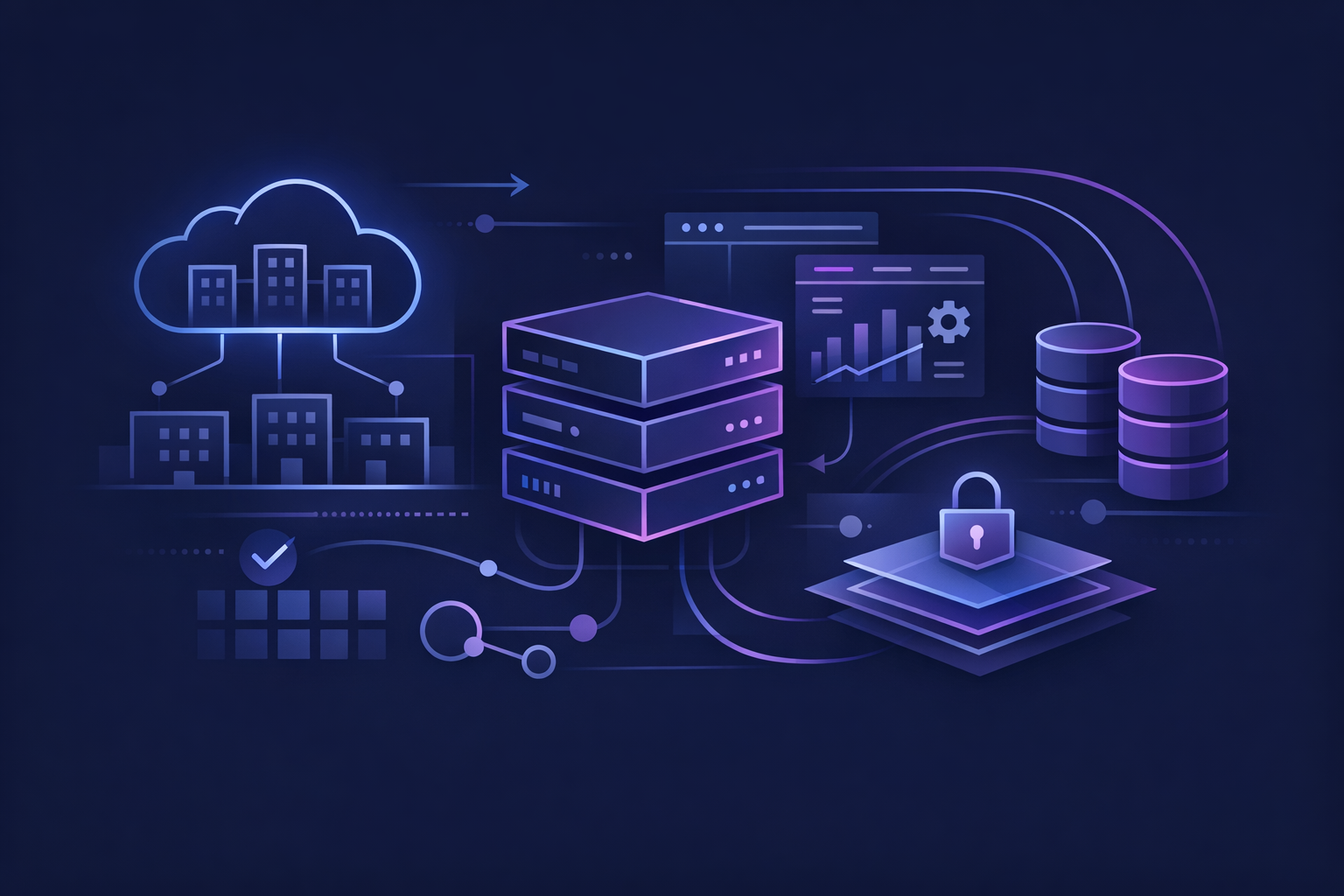
A tenant is the business-level container for a customer’s data.
Depending on the product, you might call it:
- Organization
- Workspace
- Team
- Company
- Account
- Clinic
- Agency
- School
- Store
The naming matters less than the behavior: users belong to tenants, and most records belong to tenants too.
For example, in a project management SaaS:
- Acme Co is a tenant.
- Jane and Omar are users.
- Jane and Omar are members of Acme Co.
- Projects, tasks, files, comments, invoices, and settings are owned by Acme Co.
- Jane might also belong to another tenant, Beta LLC, with different permissions.
That last point is where many first builds go wrong. A user is not always the tenant. A user can belong to multiple tenants. The tenant is the account or workspace they are acting inside.
If you treat user_id as your only ownership boundary, you will eventually struggle with team invites, shared billing, admin roles, customer support access, and cross-organization usage.
The core data model for multi-tenant saas
A simple production-ready model usually starts with four tables:
| Table | Purpose | Important fields |
|---|---|---|
users | Authenticated people using the product | id, email, name, created_at |
tenants | Customer accounts or workspaces | id, name, slug, owner_user_id, created_at |
memberships | Connects users to tenants | tenant_id, user_id, role, status |
| Product tables | Tenant-owned business data | tenant_id, plus normal feature fields |
In Supabase, auth users live in auth.users, and your app often keeps a public profile table linked to the auth user. The tenant and membership tables sit in your public schema.
A simplified structure might look like this:
create table tenants (
  id uuid primary key default gen_random_uuid(),
  name text not null,
  slug text unique not null,
  owner_user_id uuid not null,
  created_at timestamptz not null default now()
);

create table memberships (
  tenant_id uuid references tenants(id) on delete cascade,
  user_id uuid not null,
  role text not null check (role in ('owner', 'admin', 'member')),
  status text not null default 'active',
  created_at timestamptz not null default now(),
  primary key (tenant_id, user_id)
);

create table projects (
  id uuid primary key default gen_random_uuid(),
  tenant_id uuid references tenants(id) on delete cascade,
  name text not null,
  created_at timestamptz not null default now()
);
The key rule: every table that contains customer-owned product data should include tenant_id unless there is a specific reason it should not.
Common tenant-owned tables include:
- Projects
- Clients
- Files
- Messages
- Forms
- Orders
- Reports
- Integrations
- API keys
- Notifications
- Billing-related app state
Common non-tenant-owned tables include:
- Feature flags that apply globally
- Public marketing content
- System logs, depending on your architecture
- Templates shared by all customers
When in doubt, add tenant_id. It is easier to enforce isolation from the start than to retrofit it across dozens of tables later.
Multi-tenant saas authentication and membership
Authentication answers: “Who is this person?”
Tenant membership answers: “Which workspace are they allowed to access, and what can they do there?”
Do not merge those two concepts.
A clean request flow looks like this:
- User signs in.
- App loads the tenant list for that user.
- User selects or is routed to an active tenant.
- App stores the active tenant in the route, session state, or both.
- Every query and mutation is scoped to that tenant.
- Authorization checks confirm the user’s role in that tenant.
For example, your app routes might look like:
/app/acme/dashboard
/app/acme/projects
/app/acme/settings/billing
Or:
/app/t/[tenantSlug]/dashboard
Using the tenant in the URL is usually better than hiding it entirely in client state. It makes deep links, support, and multi-workspace switching easier.
For login, magic links and OAuth both work. The important part is that a successful login does not automatically mean access to every tenant. If you are still deciding between passwordless login and social login, read our guide to SaaS authentication options.
Data isolation: the part you cannot fake
The most dangerous bug in a multi-tenant product is cross-tenant data leakage. That means a user from Tenant A can read, update, delete, or infer data from Tenant B.
This can happen through:
- Missing
tenant_idfilters - Admin routes that skip authorization
- File URLs that are not scoped
- Search endpoints that query globally
- Background jobs that process records without tenant checks
- Webhooks that update the wrong tenant
- Client-side filtering instead of server-side enforcement
At minimum, every database query should be scoped by tenant:
const { data, error } = await supabase
  .from('projects')
  .select('*')
  .eq('tenant_id', activeTenantId)
But query discipline alone is not enough. People make mistakes. AI-generated code makes even more assumptions. A production-ready app should enforce isolation at the database layer when possible.
With Supabase, Row Level Security is the usual tool. Supabase’s official docs explain the mechanism here: Supabase Row Level Security. We also have a founder-friendly explanation of Supabase Row Level Security if you want the practical version.
A typical RLS policy checks that the authenticated user has an active membership in the tenant connected to the row.
Conceptually:
create policy "members can view tenant projects"
on projects
for select
using (
  exists (
    select 1
    from memberships
    where memberships.tenant_id = projects.tenant_id
      and memberships.user_id = auth.uid()
      and memberships.status = 'active'
  )
);
That pattern protects you when a developer forgets a filter in application code. It is not a substitute for good code, but it is a critical backstop.
Roles and permissions: keep version one boring
Most SaaS products do not need a complex permission engine in the first version.
Start with three roles:
owner: controls billing, settings, deletion, and admin managementadmin: manages users and most tenant datamember: uses the core product but cannot change billing or dangerous settings
Avoid launching with twenty granular permissions unless the product is specifically about compliance, enterprise workflows, or internal governance.
The MVP question is not “Can we model every future permission?” It is “Can a real customer safely invite teammates and use the product?”
For a first launch, define permissions in plain language before building:
- Who can invite a teammate?
- Who can remove a teammate?
- Who can change billing?
- Who can delete the tenant?
- Who can export data?
- Who can connect integrations?
- Who can see all records versus only their assigned records?
If the answers are unclear, engineering will guess. Those guesses become product behavior.
Billing belongs to the tenant, not the user
In a multi-tenant SaaS, billing usually attaches to the tenant.
That means Acme Co pays for the workspace, even if Jane originally created the account. If Jane leaves Acme, the subscription should not disappear with her personal user account.
A practical Stripe model looks like this:
- Store
stripe_customer_idon the tenant. - Store subscription status on the tenant or a related
subscriptionstable. - Use Stripe Checkout or Billing Portal for payment flows.
- Use webhooks to update subscription state inside your app.
- Gate tenant-level features based on the tenant’s subscription status.
The most common mistake is treating Stripe checkout success as the permanent source of truth. It is not. Subscription state changes later: failed payments, cancellations, renewals, plan changes, trial endings, refunds, and disputes.
Your app needs webhook handling. Stripe’s official webhook docs are here: Stripe webhooks. We also wrote a practical Stripe webhooks guide for connecting events to your app.
For an MVP, keep the pricing logic simple. One free trial and one paid plan is easier to build, test, and support than a complicated tier matrix. You can add plan complexity after you know what customers actually buy.
Files, emails, and background jobs need tenant context too

The tenant model has to extend beyond your main database tables.
File storage
If users upload files, every file record should include tenant_id. Storage paths should also include tenant context:
tenants/{tenantId}/uploads/{fileId}.pdf
Do not rely on obscure file names as access control. Signed URLs, storage policies, and database ownership checks should all align.
Transactional email
Emails need tenant-aware content and links. An invite email should know which tenant the invite is for. A notification should link to the correct workspace URL.
This matters when one user belongs to multiple tenants. “You were mentioned in a comment” is not enough. The app needs to know where that comment lives.
Background jobs
Jobs that send reminders, sync integrations, process AI outputs, or generate reports should always carry tenant_id through the job payload.
A bad job payload:
{ "projectId": "123" }
A better job payload:
{ "tenantId": "abc", "projectId": "123" }
Then the job can verify that the project belongs to that tenant before doing work.
The build order we use for a basic multi-tenant saas
When we build SaaS MVPs quickly, the order matters. If you build screens first and permissions later, you often have to rewire everything.
A sane sequence is:
- Define tenant naming: workspace, team, organization, or account.
- Create tenant and membership tables.
- Build sign-up, login, and onboarding.
- Create the first tenant during onboarding.
- Add tenant switching if users can belong to multiple tenants.
- Scope every product table by
tenant_id. - Add RLS policies or equivalent database-level protection.
- Implement owner, admin, and member roles.
- Add invitations and member management.
- Attach Stripe customer and subscription state to the tenant.
- Add webhook handling for billing events.
- Add tenant-aware file storage, emails, and background jobs.
- Test cross-tenant access attempts before launch.
This is why “just add teams later” is rarely cheap. The tenant boundary touches auth, database design, routing, billing, storage, notifications, and admin UX.
If you know your product will ever be used by companies, agencies, clinics, classrooms, or teams, it is usually worth building the tenant foundation from the start.
What not to build in the first version
A basic multi-tenant SaaS does not need every enterprise feature.
Usually skip these until there is customer demand:
- Custom SAML or enterprise SSO
- Separate database per customer
- Custom data residency per region
- Deep audit log UI
- Fine-grained permission builder
- Department hierarchies
- SCIM provisioning
- Custom contract billing
- White-label domains
- Complex usage-based pricing
Some of those features are valuable later. They are not usually required to validate the product.
A better first version is a clean tenant foundation with one or two workflows that customers can actually use. That fits the same principle we use in a scalable MVP: build small, but do not build in a way that forces a full rewrite once people start using it.
How this maps to a fast MVP build
For a founder, the practical question is not “What is the theoretically perfect SaaS architecture?” It is “What do we need to ship safely and learn from real users?”
At Build My App Fast, we usually think about multi-tenant SaaS scope in three levels:
- $1,000 Proof of concept, delivered in 2–4 days: clickable or working proof of the core workflow, usually with minimal tenant logic unless the tenant concept is the product.
- $5,000 Real app, delivered in 4–6 days: full app with logins and a database, often enough for basic workspaces, memberships, tenant-scoped data, and a usable customer flow.
- $10,000 Launchable MVP, delivered in 7–10 days: advanced MVP with subscriptions, integrations, or AI features, where multi-tenant billing, webhooks, role handling, and production checks usually belong.
The right tier depends on the risk you are trying to reduce. If the risk is “Will anyone use this workflow?” start smaller. If the risk is “Can companies sign up, invite teammates, pay, and use this without us manually babysitting everything?” you are probably closer to a launchable MVP.
Either way, the tenant model should be explicit in the spec. If it is vague, it will become vague code.
FAQ
Do I need a separate database for every tenant?
Usually no. Most early SaaS products should use one database with tenant-scoped tables and strong access controls. Separate databases add operational complexity and are usually only justified by enterprise compliance, data residency, or unusual scale requirements.
Can I add multi-tenancy after launching?
You can, but it is often painful. If your data model was built around individual users instead of tenants, you may need to migrate tables, rewrite queries, change billing, rebuild permissions, and update routes. If teams or companies are part of the likely customer base, build the tenant foundation early.
What is the biggest security risk in a multi-tenant saas?
Cross-tenant data access. This happens when a user can see or modify records from another tenant. Prevent it with tenant-scoped queries, server-side authorization, database-level policies like RLS, and specific tests that try to access another tenant’s data.
Should billing belong to the user or tenant?
For most B2B SaaS products, billing should belong to the tenant. The company or workspace is the customer. Users may join, leave, or change roles, but the subscription should remain attached to the tenant account.
Build the foundation before the features pile up
A multi-tenant SaaS is not hard because of one table or one permission check. It is hard because the tenant boundary appears everywhere: auth, routes, data, billing, files, emails, jobs, and admin screens.
If you get that boundary right early, you can keep the MVP small without making it fragile. If you skip it, every future feature has to be patched around a weak ownership model.
If you want a production-ready SaaS foundation built on Next.js, React, Supabase, Stripe, Tailwind, Resend, and Vercel, with fixed price, fixed timeline, full code ownership, and working software before final payment, apply here.