Pre Launch Waitlist: How to Actually Convert
A practical pre launch waitlist playbook for founders: qualify demand, segment intent, follow up manually, and turn signups into MVP scope.
Build My App Fast · Sep 16, 2026 · 10 min read
A pre launch waitlist converts when it does more than collect emails. The job is to find people with an urgent problem, learn what they are trying to solve, and move the best-fit signups into a concrete next step: a call, a paid pilot, an invite, or a build decision.
Most founder waitlists fail because they are treated like applause. A landing page gets shared, friends enter their emails, and the founder feels validated. Then launch day comes and almost nobody replies. The list was not useless; it was just never designed to measure intent.
A useful waitlist is closer to a lightweight sales funnel than a newsletter form. It should tell you who cares, why they care, how painful the problem is, and what you should build first. If you are still deciding whether the idea has demand, pair this with a broader validation process like the one in How to Validate a Startup Idea Before You Build.
Why most waitlists do not convert

A weak waitlist usually has three problems.
First, the promise is vague. Something like smarter analytics for modern teams can mean anything. Vague promises attract vague interest. Specific promises attract people who can tell you whether the product is useful.
Second, the signup has no qualification. An email address alone does not tell you whether someone is a buyer, a student, a competitor, a friend, or a curious browser.
Third, there is no follow-up path. If the confirmation message says thanks, we will be in touch, you have not created momentum. The best time to ask one more useful question is right after someone expresses interest.
A waitlist should reduce uncertainty. If it only increases your email count, it is not doing enough.
Pre launch waitlist conversion starts with a narrow promise
The fastest improvement you can make is to narrow the promise. Do not write for everyone who might eventually use the product. Write for the first user who will feel the pain strongly enough to reply.
Use this table to pressure-test the page before you drive traffic to it:
| Waitlist element | Weak version | Better version |
|---|---|---|
| Audience | For teams | For solo consultants sending 10+ client reports per month |
| Problem | Save time | Turn messy client data into a branded weekly report in 5 minutes |
| Timing | Coming soon | Private beta opens to 20 qualified users next month |
| Ask | Join the waitlist | Join the beta and tell us your current reporting workflow |
| Follow-up | Generic thank you | Reply with the tool you use today and we will prioritize your invite |
The better version is not longer because it is fancy. It is longer because it is testable. A visitor can recognize themselves, understand the promised outcome, and decide whether they want to engage.
If you are using the waitlist as a demand test before writing code, this overlaps with a smoke test. The difference is that a waitlist can keep compounding if you keep following up. For more on validating the offer before building, see Smoke Test Startup Idea Before Building.
Build the page like a product test
A converting waitlist page does not need dozens of sections. It needs the right sequence.
Use this structure:
- Specific headline: say who it is for and what outcome they get.
- Pain paragraph: describe the current annoying workflow in plain language.
- Proposed solution: explain what the product will do, without pretending it already does everything.
- Who should join: list two or three qualifying traits.
- Form: ask for email plus one or two useful answers.
- Next step: tell people what happens after signup.
The next step matters. Private beta access, a founder interview, a discounted early plan, or a paid pilot all communicate different levels of intent. Pick the next step that matches your stage.
If you have nothing built, ask for a short call. If you have clickable designs, ask for feedback on the workflow. If you have a working app, ask qualified users to try a specific task. If you already know the buyer, you can test willingness to pay with a preorder or deposit, but be clear about what is included and when it will be delivered.
Ask enough to qualify, not enough to scare people away
A waitlist form should not feel like an enterprise procurement survey. Every extra field adds friction. But a single email field often leaves you with no useful signal.
For most early products, a good form is:
- Role or company type
- One multiple-choice pain question
- Optional free-text field
For example: What are you using today? How often does this problem happen? What would make this worth switching for?
Avoid questions you will not actually use. If you are not going to segment by company size, do not ask for company size. If you are not ready to call people, do not ask for a phone number.
The goal is to sort signups into useful groups: high-intent potential buyers, research participants, low-fit subscribers, and people to ignore for now.
The confirmation email should create movement
The confirmation email is part of the waitlist, not an afterthought. It should repeat the promise, set expectations, and ask for one small action.
A simple version:
- Thanks for joining.
- We are building for a specific audience.
- To prioritize invites, reply with your current workaround.
- We will contact the best-fit users first.
This does two things. It filters for people who care enough to reply, and it starts a conversation while the problem is fresh.
If you send automated email, set up the basics correctly. Use a real sending domain, authenticate it, and avoid blasting from a personal inbox once volume grows. Resend has clear official guidance on domain authentication, which is the kind of setup detail that protects deliverability later.
If you are testing paid intent, you can also use a lightweight payment step. Stripe has official docs for Payment Links, which can work for simple deposits or early access offers. Do not charge unless your offer, refund terms, and delivery expectations are clear.
Segment the waitlist before you decide what to build
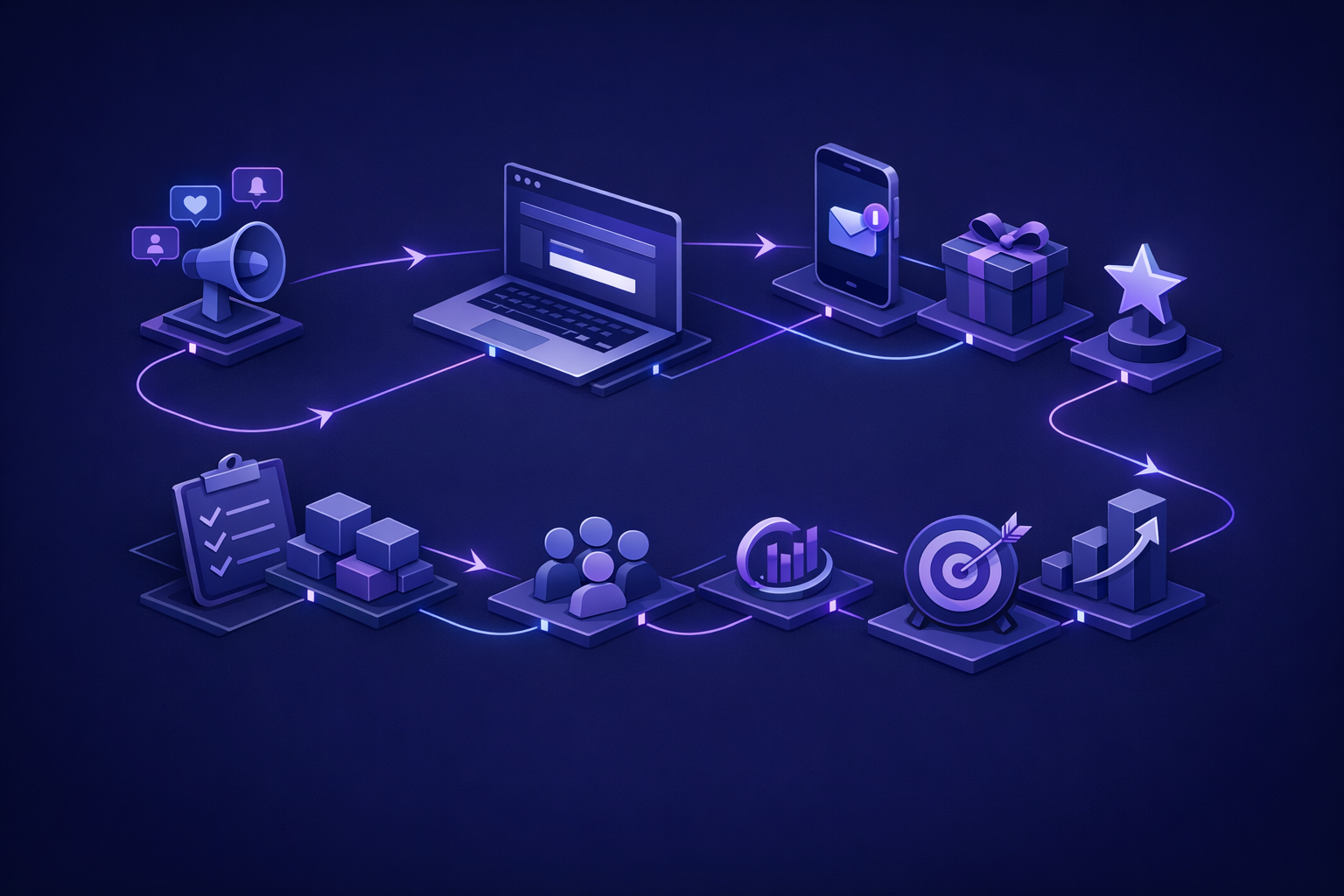
Do not wait until launch to organize the list. Tag people as they arrive.
Useful segments include:
- High pain: they describe the problem in detail.
- Urgent timing: they need a solution now, not someday.
- Budget signal: they already pay for an alternative or manual workaround.
- Workflow fit: their use case matches the first version you can realistically build.
- Influencer only: they like the idea but are unlikely to use or buy.
This segmentation turns a fuzzy list into product scope. If ten people want ten different products, you do not have a launch segment yet. If a smaller group repeats the same workflow, same frustration, and same desired outcome, you have something to design around.
Before you hand that signal to a developer, turn it into a one-page product brief. The format in Product Brief Template: One-Page Founder Guide is enough for most early builds: user, problem, core workflow, data, integrations, payments, and non-goals.
Convert waitlist signal into the smallest shippable app
A good pre launch waitlist should make your MVP smaller, not bigger. Founders often read every signup comment as a feature request. That is how a simple product becomes a six-month build.
Instead, identify the one workflow that appears most often among qualified users. Then ship only what is needed to complete that workflow end to end.
At Build My App Fast, this is where fixed scope matters. Depending on what the waitlist proves, the build usually falls into one of three shapes:
- $1,000 Proof of concept — proof of concept, delivered in 2-4 days.
- $5,000 Real app — full app with logins and a database, delivered in 4-6 days.
- $10,000 Launchable MVP — advanced MVP with subscriptions, integrations, or AI features, delivered in 7-10 days.
The point is not to buy the largest version. The point is to match the build to the signal. A list of curious emails might justify a proof of concept. A group of qualified users asking for accounts, saved data, and a real workflow may justify a real app. A buyer-ready audience that needs billing, integrations, or AI features may justify a launchable MVP.
Use production basics even for a small waitlist
The waitlist itself can be simple, but it should not be sloppy. A common reliable setup is Next.js, React, Tailwind, Supabase, Resend, and Vercel.
At minimum, store:
- Signup source
- Timestamp
- Consent status
- Qualification answers
- Segment tags
- Follow-up status
This gives you traceability. You can see which channel brought qualified users, who replied, who should receive beta access, and who asked to be removed.
This is one reason we avoid treating AI-generated landing pages as finished software. A form that looks good but loses source data, ignores duplicate emails, or sends unreliable email can destroy useful signal. Small does not mean careless.
Manual follow-up is where conversion happens
A waitlist does not convert by itself. The founder usually has to do the unscalable work.
For high-intent signups, send a personal note within a day if possible. Ask what they use today, what happens when the current process fails, and what would make the product worth trying. Keep it short. The goal is a reply, not a pitch deck.
For medium-intent signups, send a short update when you have a demo, prototype, or beta slot. Give them one task to complete. For low-fit signups, keep them on the list but do not let them drive scope.
If you are trying to turn the waitlist into your first real user base, the tactics in First 100 Users Without a Budget pair well with this approach: direct outreach, founder-led conversations, and narrow communities where the pain already exists.
Track a few numbers, but do not worship them:
- Visits by source
- Signups by source
- Qualified signups
- Replies to confirmation email
- Calls booked
- Beta activations
- People who complete the core workflow
- People willing to pay or prepay
A large list with no replies is weaker than a small list of people who explain the problem clearly and ask when they can use the product.
FAQ
How many people do I need on a pre launch waitlist?
There is no universal number. The better question is how many qualified people match the same problem and will take the next step. A small list of urgent, reachable users is more valuable than a large list of passive subscribers.
Should I offer a discount to get more signups?
Only if the discount teaches you something useful. Early access, founder pricing, or a limited beta can work, but do not train people to join only because it is cheap. You want signal about the problem, not just bargain hunting.
Can I launch a waitlist before I have designs?
Yes. In fact, a waitlist is often useful before designs because it helps you decide what the first workflow should be. Just be honest about the stage. Do not imply the product is ready if you are still validating demand.
What if people join but never reply?
Treat that as weak signal. Improve the promise, ask a sharper question, and review your traffic source. If the right people are visiting and still not replying, the pain may not be urgent enough or the offer may be unclear.
Turn the list into a decision
A pre launch waitlist is not the finish line. It is a decision tool. Use it to decide who the product is for, what workflow to build first, and whether there is enough urgency to justify development.
When the signal is clear, build the smallest production-ready version that lets real users complete the core workflow. Keep the scope tight, keep ownership of the code, and make sure working software exists before the final payment.