
How to Move Vibe Code to Production
A practical vibe code to production checklist: what to rebuild, keep, secure, test, and ship before users trust your app.
Build My App Fast · Jul 23, 2026 · 13 min read
To move vibe code to production, do not try to “polish” the prototype until it looks real. Treat the prototype as a product brief, then rebuild or harden the parts that matter: auth, database design, permissions, payments, deployment, error handling, and maintainable code. The goal is not to preserve every generated file. The goal is to preserve the validated idea, flows, and user feedback while replacing brittle implementation with production-ready software.
Vibe coding is useful because it compresses the distance between an idea and something clickable. That is a real advantage. A founder can explore onboarding, dashboards, pricing pages, AI interactions, or internal workflows without waiting weeks for the first screen.
But a clickable prototype and a real product are different things. A real product has users, private data, billing events, edge cases, failed requests, password resets, permissions, analytics, and bugs that need to be fixed without breaking unrelated parts of the app.
This post explains the practical handoff: what to keep, what to throw away, and how we turn a vibe-coded prototype into a real Next.js, React, Supabase, Stripe, Tailwind, Resend, and Vercel app with a fixed price, fixed timeline, full code ownership, and working software visible before final payment.
Vibe Code to Production: Start by Reclassifying the Prototype

The first mistake is assuming the prototype is “80% done” because the UI appears complete.
Usually it is not 80% done. It is 80% informative.
That is still valuable. It tells you what the app should do, what screens matter, what users expect, and where the founder has changed their mind. But production work starts by reclassifying each part of the prototype into one of three buckets:
| Prototype asset | Keep, rewrite, or discard? | Why it matters |
|---|---|---|
| User flows and screen order | Keep | These often represent the most useful discovery work |
| Visual direction | Usually keep | Tailwind can reproduce the useful parts cleanly |
| Generated components | Inspect case by case | Some are fine; many are tangled or duplicated |
| Database schema | Usually rewrite | Prototype schemas often miss ownership, constraints, and permissions |
| Auth logic | Rewrite | Security cannot depend on guessed implementation |
| Payment logic | Rewrite | Stripe needs deliberate webhook and subscription handling |
| AI prompts | Keep as draft | The product needs logging, limits, fallbacks, and cost control |
| Deployment setup | Usually rewrite | Production needs environment separation and predictable releases |
This step prevents two bad outcomes.
The first is over-trusting code that was generated to satisfy a demo, not a production environment. The second is throwing away useful product thinking just because the underlying code is messy.
If you are still deciding whether you have a prototype or an MVP, read MVP vs Prototype: What Founders Need First. The distinction matters because a prototype is for learning; an MVP is for operating with real users.
Audit the Product Before Auditing the Code
Before opening the repo, write down what the product must actually do.
That sounds obvious, but it is where many vibe-coded projects go wrong. The prototype grows screen by screen. A login form appears. Then a dashboard. Then an admin view. Then a payment button. But nobody has written the rules that connect them.
A production audit should answer questions like:
- Who are the user roles?
- What data does each role own?
- What data can each role read or update?
- What happens when payment fails?
- What happens when an email does not send?
- What should be logged for debugging?
- Which actions need confirmation?
- Which workflows must be fast?
- Which workflows can happen asynchronously?
- What is the smallest version that can launch safely?
This product audit becomes the implementation plan. It also gives you a way to cut scope without cutting quality.
For example, “admin analytics” may be optional for launch. But “users cannot access other users’ private records” is not optional. “Beautiful billing portal UI” may be optional. Correct Stripe subscription status handling is not.
That is the difference between reducing scope and creating technical debt.
Decide What Must Be Rebuilt
Some vibe-coded apps can be hardened incrementally. Others should be rebuilt around the same product flow.
The decision depends less on whether AI wrote the code and more on whether the code has coherent boundaries. A human can write bad code. AI can sometimes generate decent code. The question is whether the implementation is understandable, testable, and safe.
Here are the areas we almost always inspect first.
Authentication
Auth must be boring and reliable. Users need sign-up, login, logout, password reset, session handling, protected routes, and sometimes magic links or OAuth.
In a real app, authentication is not just “can the user log in?” It is also “can the user only access what they should?” If auth was patched into the prototype late, we usually rebuild it.
Database structure
Prototype databases often reflect the UI instead of the business model. That creates problems later.
A production schema should define the core entities clearly: users, organizations, projects, subscriptions, messages, files, orders, or whatever the product needs. It should also include relationships, indexes where needed, timestamps, ownership fields, and constraints.
If using Supabase, Row Level Security is central. Supabase’s official docs explain the security model clearly: Supabase Row Level Security. RLS should not be an afterthought once real user data exists.
Payments
A prototype payment button is not a subscription system.
A production Stripe integration usually needs checkout, customer records, webhook handling, subscription state, billing portal access, trial logic if applicable, and feature gating based on payment status.
The webhook part is especially important because Stripe events happen outside the browser session. If the app only updates subscription status after a successful redirect, it will eventually drift from reality.
Error handling
Generated prototypes often assume the happy path. Production apps need to handle missing data, expired sessions, failed requests, duplicate submissions, rate limits, and third-party API failures.
Good error handling is not just showing a red message. It is designing the app so failures do not corrupt data or leave users stuck.
Deployment
A local demo is not a launch.
For our stack, we typically want a clean Vercel deployment, environment variables separated correctly, a Supabase project configured intentionally, and predictable build behavior. The official Next.js deployment documentation is a good reference for what the framework expects in a production deployment.
If the prototype only runs on one machine with undocumented setup steps, it is not production-ready.
Use the Prototype as a Spec, Not a Foundation
A vibe-coded prototype is often most valuable as a living spec.
Instead of asking, “How do we preserve this code?” ask:
- Which screens should exist in version one?
- Which flows did users understand immediately?
- Which parts caused confusion?
- Which data needs to persist?
- Which parts are just demo theater?
- Which features are essential for a paid or active user?
This is where founders can save real time. A traditional build often starts with wireframes, requirements, and long clarification cycles. A vibe-coded prototype can shorten that because the founder can point to something concrete and say, “This flow is right, this one is wrong, and this part is fake but important.”
That is a productive handoff.
The prototype should accelerate the build, not dictate the architecture.
For a deeper breakdown of where AI-generated prototypes tend to fail under real usage, see Vibe Coding Problems Production Exposes.
Build the Production Version Around a Small, Stable Core
The safest path from vibe code to production is not to rebuild every imagined feature. It is to identify the smallest stable core that can support real users.
For many apps, that core includes:
- A clean Next.js app structure
- React components that are reusable but not over-abstracted
- Tailwind styling that matches the approved visual direction
- Supabase auth and database tables
- Row Level Security policies
- Server-side actions or API routes where appropriate
- Stripe checkout and webhook handling if payments are needed
- Resend transactional emails if email is part of the workflow
- Vercel deployment with production environment variables
- Basic logging and debugging paths
The point is not to make the app enterprise-grade on day one. The point is to make it coherent enough that the next feature does not require a rewrite.
A small stable core also helps with founder decision-making. If you know the launchable app is centered on onboarding, one paid workflow, and a dashboard, you can defer the “nice to have” reports, settings, and admin tools until users prove they matter.
That is why our fixed tiers are based on what needs to exist, not on vague hours:
- $1,000 Proof of concept — proof of concept, delivered in 2–4 days
- $5,000 Real app — full app with logins and a database, delivered in 4–6 days
- $10,000 Launchable MVP — advanced MVP with subscriptions, integrations, or AI features, delivered in 7–10 days
Those tiers are designed for founders who need working software quickly but do not want to gamble the product on a fragile prototype.
Production Readiness Checklist
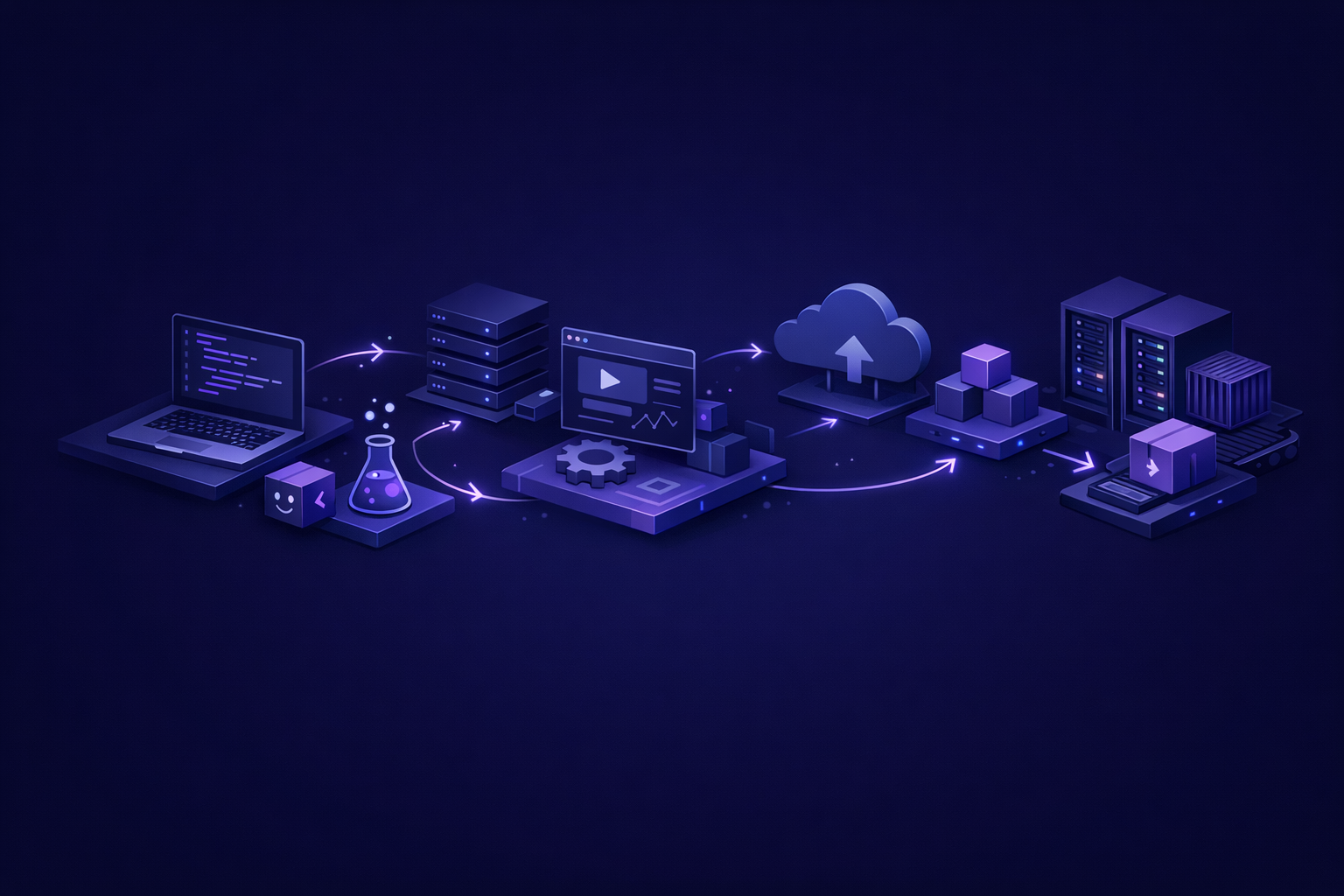
Before you put real users on an app, work through a checklist like this:
- The app has a clear production scope, not an open-ended prototype scope
- Authentication works across sign-up, login, logout, reset, and protected pages
- Users can only access records they are allowed to access
- Database tables match the business model, not just the UI screens
- Required fields, relationships, and ownership are enforced
- Stripe payments are handled through server-side logic and webhooks
- Transactional emails use a real provider such as Resend
- Important forms handle loading, success, empty, and error states
- Environment variables are documented and separated from source code
- The app deploys cleanly on Vercel
- There is a path to debug production issues
- The client owns the full codebase
A prototype can skip many of these because its job is to create learning. A product cannot skip them because users will depend on it.
Do Not Confuse Visual Completion With Product Completion
One reason vibe-coded apps feel closer to production than they are is that modern UI generation can produce convincing screens.
The dashboard has cards. The navbar works. The pricing page looks legitimate. The settings page has toggles. The app feels done.
But visual completion can hide missing product behavior:
- The dashboard cards may use hardcoded sample data
- The settings toggles may not persist
- The pricing page may not provision access after payment
- The admin panel may expose every user’s data
- The AI response may work once but fail without retries or limits
- The app may have no migration path as the schema changes
This is why we separate front-end acceptance from production acceptance.
A founder should absolutely review the interface. But an engineer also needs to review the system underneath: data flow, permissions, state, side effects, and deployment behavior.
That is also the practical difference between vibe coding and experienced development. Vibe coding can be excellent for generating options. Experienced developers know which invisible parts cannot be guessed. For more on that tradeoff, read Vibe Coding vs Developers: When Each Wins.
How We Handle a Vibe-Coded Handoff
When a founder brings us a vibe-coded prototype, we do not start by criticizing it. We start by extracting what is useful.
A typical handoff looks like this:
- Review the prototype together. We identify the flows that should survive and the parts that are only demo scaffolding.
- Define the launch version. We decide whether the project is a proof of concept, real app, or launchable MVP.
- Map the data model. We define the entities, ownership rules, and database structure.
- Choose the production stack. For most builds, that means Next.js, React, Supabase, Stripe, Tailwind, Resend, and Vercel.
- Rebuild or harden the implementation. We preserve the product intent while replacing weak foundations.
- Show working software before final payment. The client sees the real app functioning, not just a promise or slide deck.
- Transfer the code. The client owns the full codebase.
This process works because it respects both sides of the problem. The founder’s prototype contains product knowledge. The production build needs engineering discipline.
You do not need six months to bridge that gap. But you do need someone to make deliberate decisions about architecture, security, data, and release scope.
If timeline is your main concern, How Long to Build an MVP? A Realistic Timeline explains what changes when you cut scope versus when you cut quality.
When You Should Not Ship the Prototype
There are cases where shipping the vibe-coded version directly is a bad idea.
Be especially careful if the app includes:
- Private customer data
- Payments or subscriptions
- Health, finance, legal, or employment-related workflows
- Multi-tenant organization accounts
- Admin access to user records
- AI-generated outputs users will rely on
- File uploads or document storage
- Any workflow where data loss would be serious
The risk is not that the app was created with AI. The risk is that nobody has verified the production assumptions.
If the prototype is just a landing page, calculator, internal demo, or throwaway workflow, it may be fine to publish with limited expectations. If it is becoming a real product, it deserves a real production pass.
FAQ
Can I keep any of the vibe-coded code?
Yes, sometimes. UI components, layout ideas, copy, and simple client-side interactions may be reusable. But auth, database permissions, payments, and deployment setup should be reviewed carefully and often rewritten.
Is it faster to rebuild than refactor?
Often, yes. If the prototype has tangled state, unclear data flow, duplicated components, or unsafe permissions, a clean rebuild around the same product flow can be faster than trying to repair every generated decision.
What should I prepare before handing off a prototype?
Bring the repo if you have it, a working demo link if available, notes on what should stay or change, and a clear description of the first users. The most useful input is not perfect documentation. It is clarity about what the app must do for version one.
Can a vibe-coded prototype become a paid product?
Yes, but the payment and access logic should be implemented deliberately. A pricing page and checkout button are not enough. A paid product needs subscription state, webhook handling, feature access rules, and recovery paths for failed or canceled payments.
The Practical Path From Prototype to Product
The right way to move vibe code to production is to keep the learning and professionalize the implementation.
Do not throw away the prototype’s insights. Do not blindly trust its foundations. Use it to define the product faster, then build the production version with clear scope, secure data access, reliable payments, clean deployment, and code the owner can actually maintain.
That is the credible middle ground: faster than a traditional drawn-out build, but safer than shipping a fragile demo as if it were a finished product.
If you have a vibe-coded prototype and want it turned into a real app on a fixed price and timeline, apply here.