
7 Hidden Vibe Coding Risks Before You Ship
Vibe coding risks are easy to miss until launch. Here are 7 production issues founders should check before shipping an AI-built app.
Build My App Fast · Jul 27, 2026 · 12 min read
The biggest vibe coding risks are not usually visible in the demo. They show up when real users create accounts, enter payment details, reset passwords, hit edge cases, or expect the app to keep working tomorrow. AI-generated code can be useful for prototypes, internal tools, and fast exploration, but shipping it as a production product without engineering review creates risks around security, data integrity, payments, maintainability, and ownership.
This is not an argument against AI-assisted development. We use AI where it helps. The issue is treating “it works on my machine” as the same thing as “it is ready for customers.” Those are different standards.
If you are a founder deciding whether to launch a vibe-coded app, this guide gives you a practical risk checklist. It focuses on the hidden problems that often do not appear until after the first users arrive.
What counts as vibe coding?

Vibe coding is building software by prompting AI tools, accepting generated code, and iterating until the app appears to work. The founder or builder may not fully understand the architecture, database model, authentication flow, deployment setup, or edge cases.
That can be fine for a prototype. It is often a fast way to test an interface, clarify a workflow, or create a clickable demo. The risk starts when the same codebase becomes the product customers depend on.
A prototype can fake parts of the system. A production app cannot. Production needs repeatable deployment, secure user data, working auth, database rules, payment logic, error handling, logs, backups, and a path for future changes.
If you are not sure whether you need a prototype or MVP, this distinction matters. We covered that in more detail in MVP vs Prototype: What Founders Need First.
7 vibe coding risks founders miss before launch
1. The app works, but the data model is wrong
A vibe-coded app can look correct while storing data in a fragile way. The UI may let users create projects, tasks, invoices, messages, or bookings, but the database may not reflect how the business actually works.
Common problems include:
- User data stored without clear ownership
- Records that cannot be safely deleted or archived
- Missing relationships between tables
- Duplicate fields that drift out of sync
- No constraints to prevent invalid states
- Business logic split randomly between frontend and backend code
This becomes painful when you add the next feature. For example, a simple “team members” feature is easy if the database was designed with organizations, roles, and permissions in mind. It is much harder if every record only has a single user_id and no concept of shared access.
The hidden risk is that the app may need to be rebuilt earlier than expected. Not because the idea is bad, but because the foundation cannot support normal product evolution.
A good production build starts with the core entities: users, accounts, roles, subscriptions, content, events, and the actions each role can take. The UI should follow the product model, not the other way around.
2. Authentication exists, but authorization is incomplete
Many AI-built apps can add login quickly. That does not mean user access is secure.
Authentication answers: “Who is this user?” Authorization answers: “What is this user allowed to see or do?” Most production failures happen in the second category.
A risky app might:
- Let users access records by changing an ID in the URL
- Fetch too much data on the client and hide it in the UI
- Trust frontend checks instead of server-side permissions
- Allow deleted or downgraded users to keep access
- Forget admin-only restrictions on backend routes
If you use Supabase, Row Level Security is a key part of the answer. The official Supabase Row Level Security documentation explains how policies restrict which rows a user can access at the database level. That is very different from simply hiding buttons in React.
For a production app, every sensitive read and write needs a permission model. Who owns this record? Can team members access it? Can admins impersonate or modify it? What happens after cancellation?
A vibe-coded app may not answer those questions consistently. It may generate a working login screen, but leave the real security model unfinished.
3. Payments are connected, but the business logic is unsafe
Stripe makes it possible to accept payments quickly. The hidden risk is assuming the checkout page is the whole subscription system.
For a real app, you need to handle events such as:
- Checkout completed
- Subscription created
- Subscription updated
- Payment failed
- Subscription canceled
- Trial ending
- Plan changed
- Refund issued
If the app only checks whether a payment happened once, access can become inaccurate. A user might keep premium access after cancellation, lose access even though payment succeeded, or get assigned the wrong plan after an upgrade.
The important part is not just “does checkout open?” It is whether your database reflects Stripe’s state reliably over time.
That usually means webhook handling, idempotency, subscription status storage, plan mapping, and clear access checks inside the app. A generated implementation may include the happy path and miss the operational details.
When we build subscription apps, we treat billing as product infrastructure. It affects onboarding, permissions, account settings, email notifications, admin support, and customer trust.
4. Security issues are hidden behind a polished interface
A polished UI does not prove the app is safe. AI-generated code can accidentally introduce common web security problems, especially when prompts focus on visible behavior instead of threat modeling.
Examples include:
- Insecure direct object references
- Missing input validation
- Unsafe file uploads
- Secrets exposed in frontend code
- Overly permissive API routes
- Weak password reset flows
- Unprotected admin pages
The OWASP Top 10 is a useful reference for common web application security risks. Founders do not need to memorize every category, but they should understand the principle: production security is a system, not a last-minute setting.
One issue we look for immediately is where secrets live. API keys, service role keys, webhook secrets, and private tokens should not be exposed to the browser. Another is whether the app validates inputs on the server, not only in form components.
The hard part about security is that the app may appear completely normal during testing. The failure only appears when someone behaves maliciously, accidentally hits an edge case, or discovers an unprotected route.
That is why “I clicked through it and it worked” is not a production readiness test.
5. Nobody understands the code well enough to fix it
This is one of the most expensive vibe coding risks: the code works, but no one owns it intellectually.
If the founder does not understand the generated code, and no engineer has shaped the architecture, every future change becomes uncertain. You might ask for a simple feature and discover that the code is tightly coupled, duplicated, or dependent on fragile assumptions.
Warning signs include:
- The same logic appears in multiple files
- Components are very large and hard to reason about
- API routes perform unrelated tasks
- Database queries are copied into UI components
- Environment variables are undocumented
- There is no clear deployment process
- Small changes break unrelated features
This does not mean AI-generated code is always bad. It means code needs an owner who can evaluate it. Real engineering work includes simplifying, deleting, refactoring, naming, documenting, and deciding what not to build.
If you already have a vibe-coded project and want to keep what is useful, read How to Move Vibe Code to Production. The right answer is not always a full rebuild, but someone needs to inspect the foundation before customers depend on it.
6. The app has no operational plan
Production is not only code. It is also the system around the code.
A production app needs answers to basic operational questions:
- Where is it hosted?
- How are environment variables managed?
- How do deployments happen?
- What happens if a deploy fails?
- Are errors logged anywhere useful?
- Can the database be backed up or restored?
- Who receives transactional email failures?
- How are support issues investigated?
Vibe-coded apps often stop at “deployed successfully.” That is not enough. A customer-facing app needs enough operational visibility to diagnose problems.
For example, if a user says they paid but cannot access the product, you need to inspect the user record, Stripe customer, subscription status, webhook logs, and app-side access logic. If none of that is structured, support becomes guesswork.
This is one reason we prefer a practical production stack: Next.js, React, Supabase, Stripe, Tailwind, Resend, and Vercel. Those tools are fast, but they also support real deployment workflows when configured by engineers who understand the failure modes.
The goal is not enterprise ceremony. It is enough structure that the app can be maintained after launch.
7. The founder mistakes a demo for a business asset
The final risk is strategic. A vibe-coded app can create the feeling that the product is nearly done. Sometimes it is. Often, it is only the demo layer.
A demo helps you explain the idea. A business asset can be used, maintained, extended, secured, and transferred.
That difference matters if you plan to:
- Charge customers
- Raise money
- Hire developers
- Sell to businesses
- Add integrations
- Build a mobile app later
- Hand the codebase to another team
Founders should ask: “If this works, can we build on it?” If the answer is no, the app may still be valuable for validation, but it should not be treated as the production foundation.
This is where a technical review is useful. Not a vague audit, but a concrete assessment of the database, auth, payments, API routes, deployment, and code structure. We wrote more about the production gap in Vibe Coding Problems Production Exposes.
Vibe coding risks checklist before launch
Use this checklist before putting real users, real data, or real payments into a vibe-coded app.
| Area | What to check | Why it matters |
|---|---|---|
| Database | Tables, relationships, constraints, ownership fields | Prevents broken data and painful rebuilds |
| Auth | Login, sessions, password reset, protected routes | Keeps accounts secure |
| Authorization | Server-side access checks and database policies | Prevents users seeing or changing the wrong data |
| Payments | Webhooks, subscription status, plan mapping, access rules | Keeps billing and product access aligned |
| Secrets | API keys and service keys stored server-side only | Prevents credential leaks |
| Validation | Server-side validation for important actions | Stops bad or malicious inputs |
| Deployment | Repeatable deploy process with environment management | Reduces launch and maintenance risk |
| Observability | Error logs and support investigation path | Helps you fix real user issues |
| Code ownership | Clear structure, readable components, documented setup | Makes future changes possible |
If multiple rows are unclear, do not ship yet. The app may still be useful as a prototype, but it needs production work first.
When vibe coding is still useful
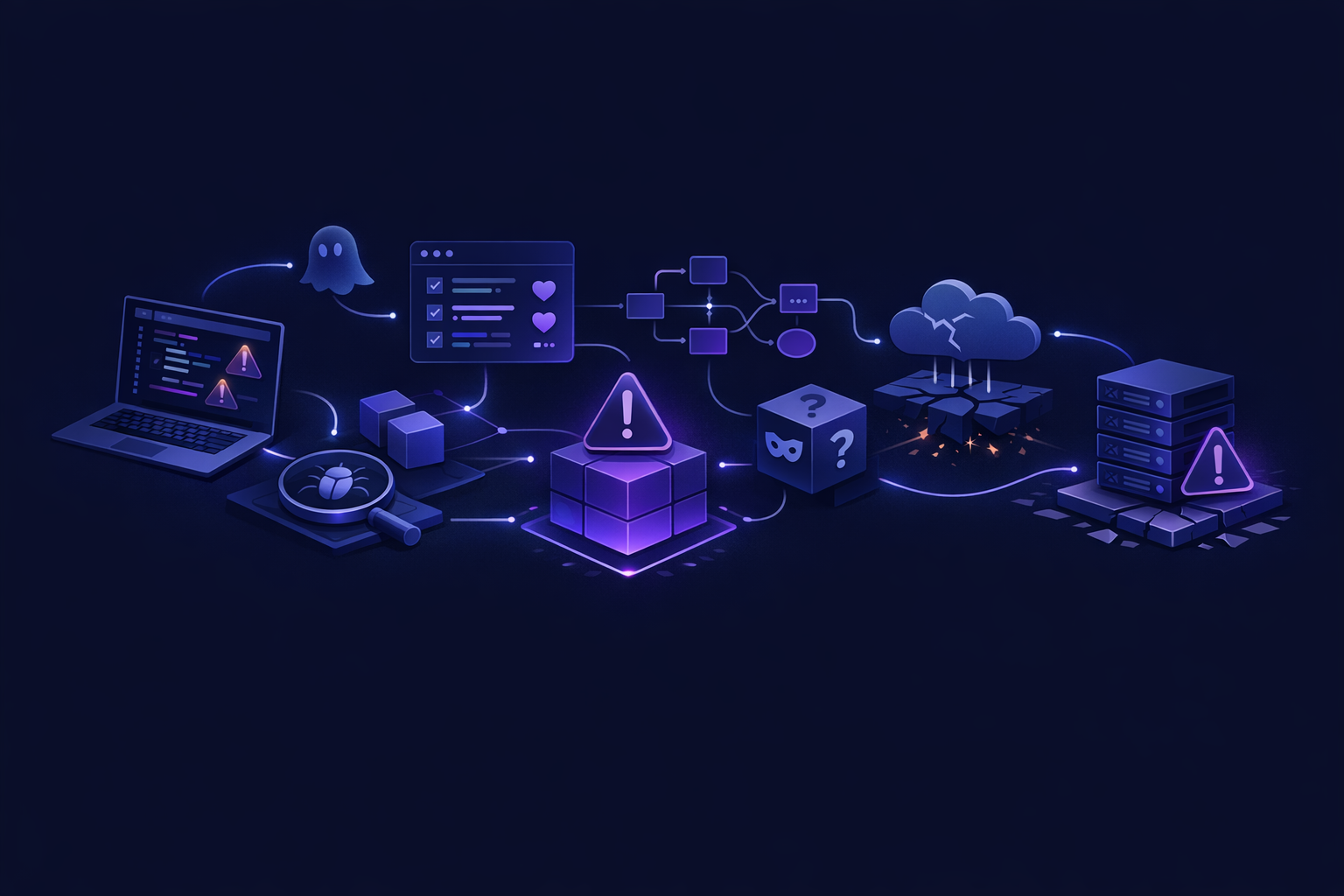
Vibe coding has a place. It can be genuinely helpful when the goal is speed of learning rather than production reliability.
Good uses include:
- Exploring a product workflow
- Creating a clickable demo
- Testing copy and onboarding screens
- Comparing dashboard layouts
- Building a disposable internal prototype
- Clarifying requirements before hiring engineers
The key is being honest about the stage. If the app is for validation, optimize for speed. If the app is for paying customers, optimize for reliability and ownership.
This is similar to the no-code decision. No-code can be a smart way to test a process, but custom code becomes more important when you need ownership, flexibility, performance, or complex business logic. We compared those tradeoffs in No-Code vs Custom Code: Which Should You Choose?.
How we reduce these risks in a fast build
At Build My App Fast, we are not anti-AI. We are anti-pretending. AI can speed up parts of development, but production software still needs engineers who know what they are accepting, changing, or rejecting.
Our fixed-price tiers are designed around clear scope and fast delivery:
- $1,000 “Proof of concept” — proof of concept, delivered in 2–4 days
- $5,000 “Real app” — full app with logins and a database, delivered in 4–6 days
- $10,000 “Launchable MVP” — advanced MVP with subscriptions, integrations, or AI features, delivered in 7–10 days
The client owns the full codebase. The stack is practical: Next.js, React, Supabase, Stripe, Tailwind, Resend, and Vercel. The client also sees working software before final payment.
The important part is not just speed. It is that real engineers make the production decisions: database shape, auth rules, payment flows, deployment setup, and maintainable code structure.
That is the difference between a convincing demo and a product you can keep building.
FAQ
Is vibe coding safe for a startup MVP?
It can be safe for a prototype or validation tool, but not automatically safe for a production MVP. If users will create accounts, store sensitive data, or pay through the app, the code needs engineering review before launch.
Should I throw away my vibe-coded app?
Not always. Some parts may be useful: UI ideas, workflows, copy, or even sections of code. The first step is a technical review to decide what can be kept, refactored, or rebuilt.
What is the biggest hidden risk?
The biggest hidden risk is usually authorization. A login screen makes the app feel secure, but the real question is whether users can only access the exact records and actions they are allowed to use.
Can AI-generated code be production-ready?
Yes, but only when reviewed, tested, and integrated by someone who understands production engineering. The issue is not that AI wrote code. The issue is shipping code no one has verified deeply enough.
Bottom line
The main vibe coding risks are hidden below the demo: data design, authorization, payments, security, maintainability, operations, and long-term ownership. If the app is only for learning, that may be acceptable. If it will carry real users or revenue, treat production readiness as a separate phase.
If you want a fast app built by engineers instead of an unreviewed demo, apply here.